

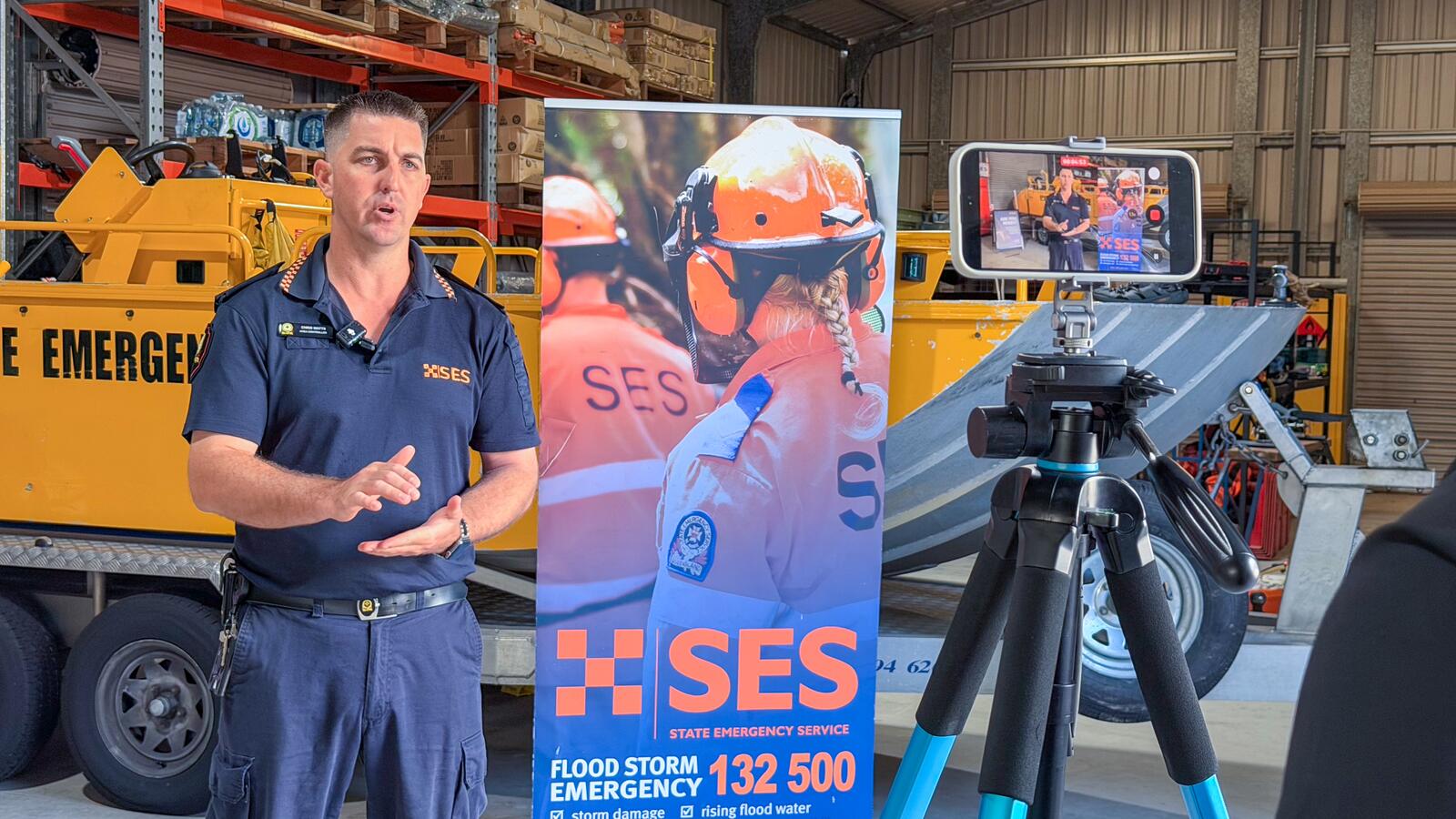
You do not need to be a presenter. You need to be clearly seen and clearly heard.
By the end of a session you can:
- Talk to the lens as if it were one person. Your eye line holds, and the viewer feels spoken to rather than broadcast at.
- Say your three key points in your own words, without reading a script and without losing your place.
- Set up light, sound and framing in an office or at home, on the phone or laptop you already have.
- Settle your nerves with a short routine for the minutes before recording, so the first take is usable.
- Run an interview yourself, so you know what an interviewer is listening for and answer better when the camera turns to you.
Media training, for the way you publish now
Your audience is on social, not waiting for the six o’clock news.
Classic media training was built for television and the press conference. Most organisations now publish to their own channels far more often than they appear in the mainstream media, and the people fronting those videos are staff, not spokespeople with a media adviser.
Learn the interview from the interviewer’s side.
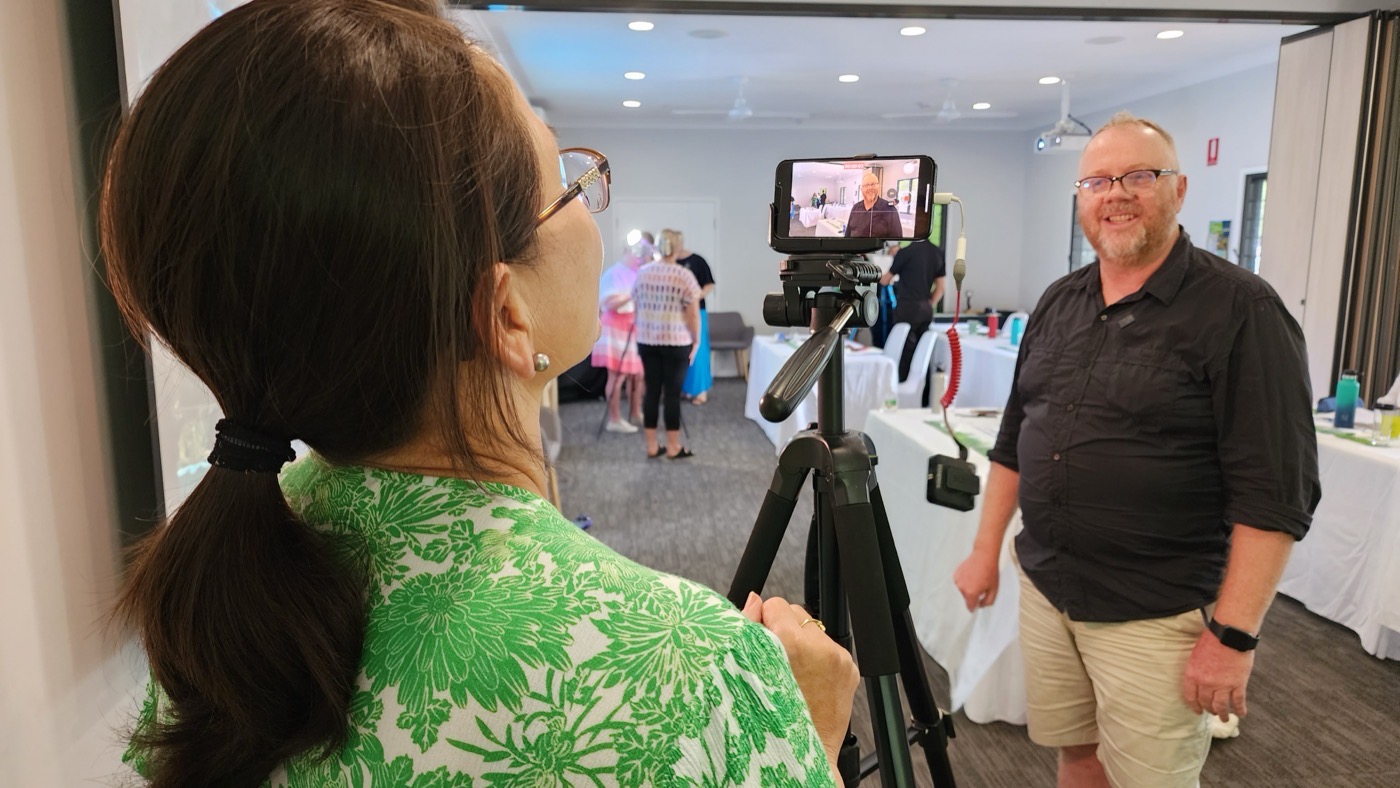
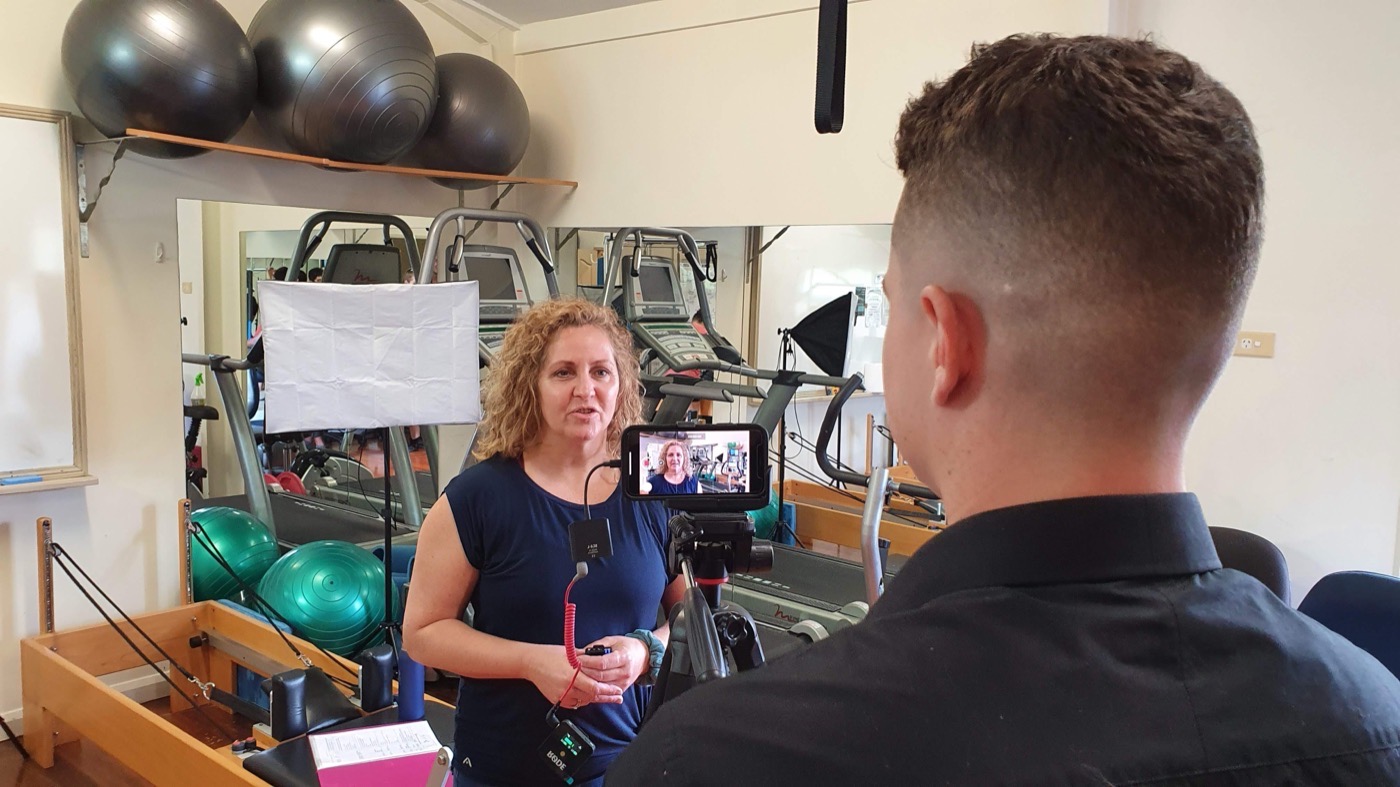
You practise asking the questions as well as answering them. Once you know what an interviewer listens for, you answer more clearly, you stay on your point, and you look more at ease on camera. It is learning in reverse.
Your whole team on camera, not just the executives.
Why should the executives have all the fun? When more of your staff can speak with confidence on camera, they share your organisation’s culture in their own voices, and your executives no longer have to front every video.
So this is media training for social-first teams: light, affordable, on-camera confidence training for staff, so your people are as confident in front of the camera as they are in a conversation. And when a journalist does call, media interview preparation has you ready for that too.
Ways to work with us
Start with the one that matches what is coming up for you.
One to one
On-camera coaching
Before an interview, a launch video or your first piece to camera. We work on your message and your delivery, then record it with direction so you leave with a take you are happy with.
90 minutes to three hours, in person in Cairns, Far North Queensland, Darwin and the Northern Territory, or online anywhere in Australia.
90 minutes from $300 plus GST
Teams
Presenting to camera for your team
For councils, government teams and organisations whose staff front their own videos. Everyone practises in front of the lens, films each other and reviews the result together, so the next video does not depend on one brave volunteer.
Presenting to camera is one of the modules you can choose in any of our team video courses, included in the course price.
See how our video courses run →When we film you
Coaching on the day
If we are producing your video, you get our prep guide before the shoot and coaching while we film. You concentrate on what you want to say; we look after how it looks and sounds.
See how we film it →Before a journalist
Media interview preparation
Fronting a journalist soon? We work out the three points you need to land, run a mock interview on camera, and practise bringing hard questions back to your message.
90 minutes from $300 plus GST
How a one-to-one session runs
Message first, then delivery, then the take.
- Before we meet. You get the free guide, and we talk about what is coming up: the video, the interview or the launch.
- Your message. We work out the three points you want people to remember, in your own words.
- Your delivery. Eye line, pace, energy and what to do with your hands, practised on camera.
- The recording. We record it with direction, so you leave with a take you are happy with.
Free guide
Camera On, Nerves Off
Everything to sort out before you press record, in the order you will think about it:
- What to wear, glasses, grooming, posture and eye line
- Setting up your space: light, background, framing and sound
- Delivering with confidence: eye contact, notes, pace and energy
- A one-page checklist to run through before every recording
Get the free guide. Put in your name and email and it lands in your inbox.
No spam. Unsubscribe any time. Tech & Trust Policy.
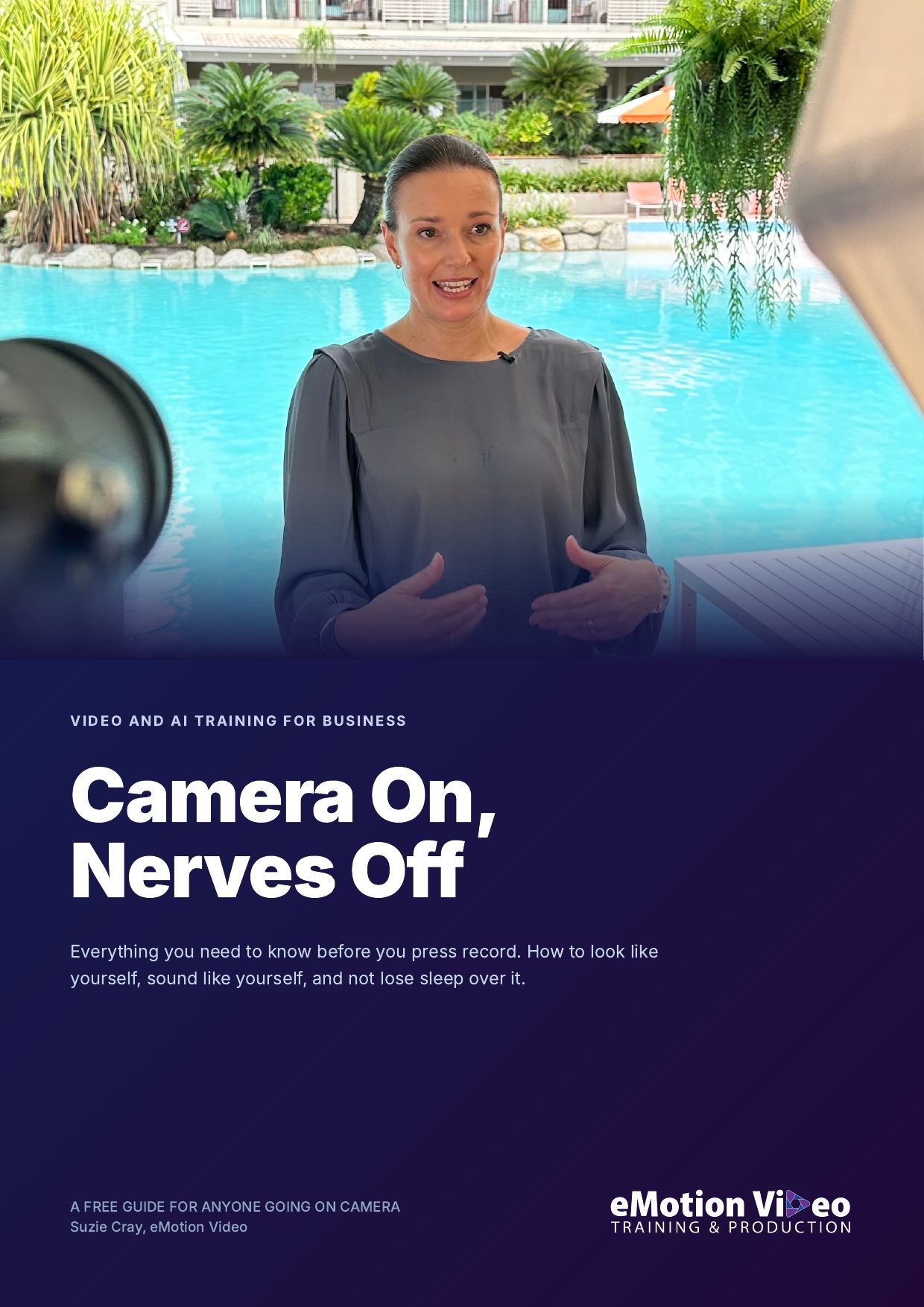
On camera, after coaching
“I joined specifically to learn skills to use in the Living Library project. I was a little trepidatious as I am not comfortable on camera. Suzie was very personable and put us all at ease immediately.”
“Instead of just making things up as I go along, now I feel like I can really take control of the story I want to tell. Do the workshop, do the training, just don’t be scared.”
Who coaches you
I’ve worked side by side with journalists in and out of newsrooms, and when the journalist couldn’t be there, I often did the interview myself as the camera operator.
Everybody is in front of the camera now. You don’t need to be a journalist to be good at it.
Suzie Cray, eMotion Video
35+
Years in media, including Disney, MTV and every major Australian TV network
2,500+
People trained
Making videos for work on a regular basis? The Workplace Video Playbook sets out the whole system in 15 pages.
See the Workplace Video Playbook →Questions people ask
What is presenting to camera training?
Practical coaching for people who have to front a video or an interview for work. You learn where to look, how to say your key points without a script, how to set up light and sound on the phone or laptop you already have, and how to settle your nerves before you press record.
How is this different from classic media training?
Classic media training was built for television and the press conference. Most organisations now publish to their own social channels first, so this training is built for that: getting your people as confident on camera as they are in conversation. If a journalist is about to call, media interview preparation covers that too.
How long is a session, and what does it cost?
A one-to-one session runs 90 minutes to three hours, in person or online. 90 minutes is from $300 plus GST. Team courses are priced on the video courses page.
Where do you run it?
In person in Cairns, Far North Queensland, Darwin and the Northern Territory, and online anywhere in Australia. Team courses run on site anywhere in Australia.
Can you train our council spokesperson or a whole team?
Yes. Spokespeople usually start with a one-to-one session or media interview preparation. For a team, presenting to camera is a module you can choose in any of our video courses, included in the course price.
I get very nervous on camera. Will this help?
Yes. Nerves are normal, and they are not the thing stopping you. You leave with a short routine for the minutes before recording, so the first take is usable. The free guide on this page is a good place to start.
Do I need any special gear?
No. We work with the phone or laptop you already have. The guide covers light, sound and framing for a small office or a home setup.
Got a video or an interview coming up?
Tell us what it is and when. We will suggest the shortest route to you feeling ready for it.