

The Workplace Video Playbook
Make video for work, without the overwhelm.
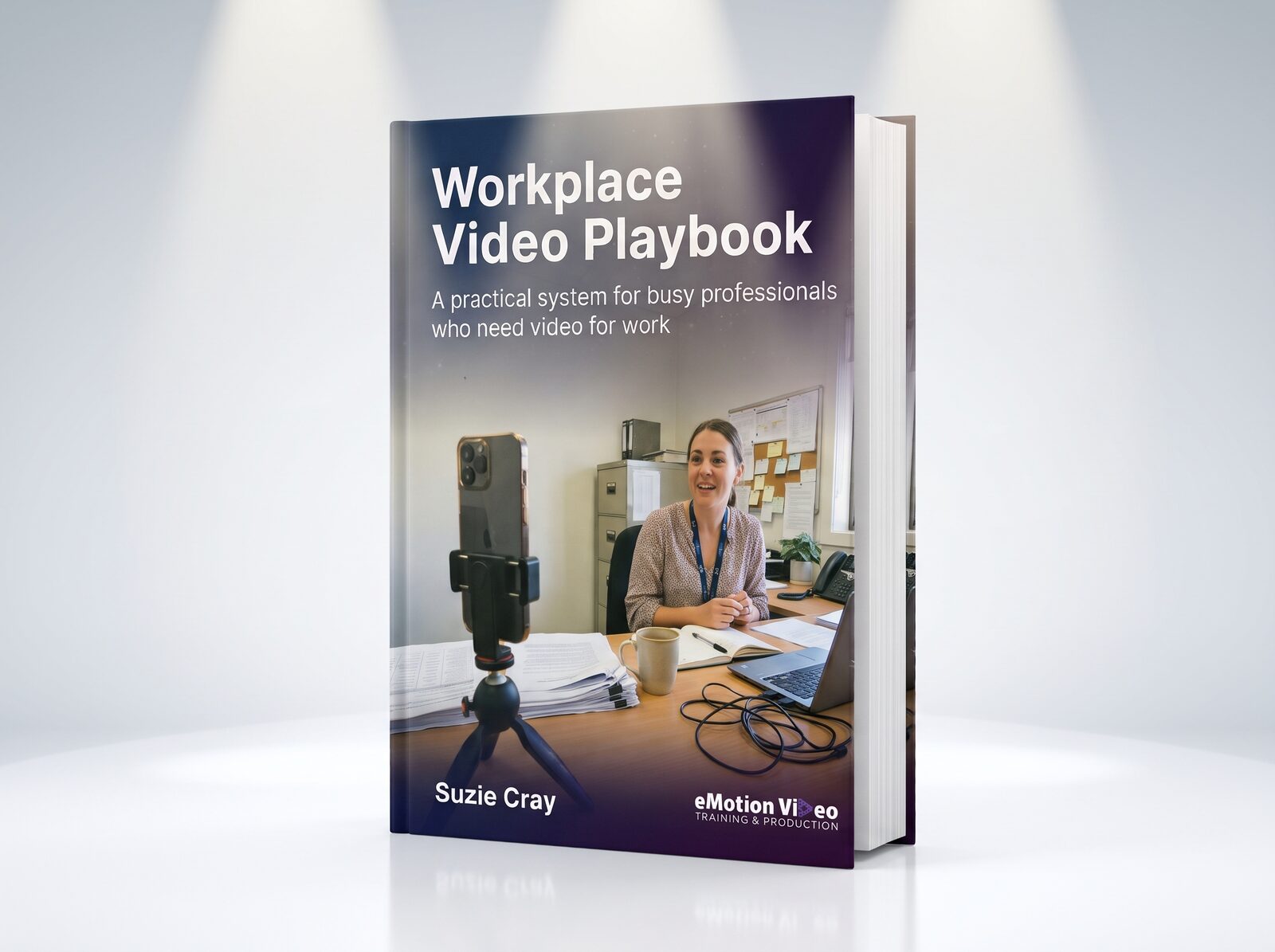
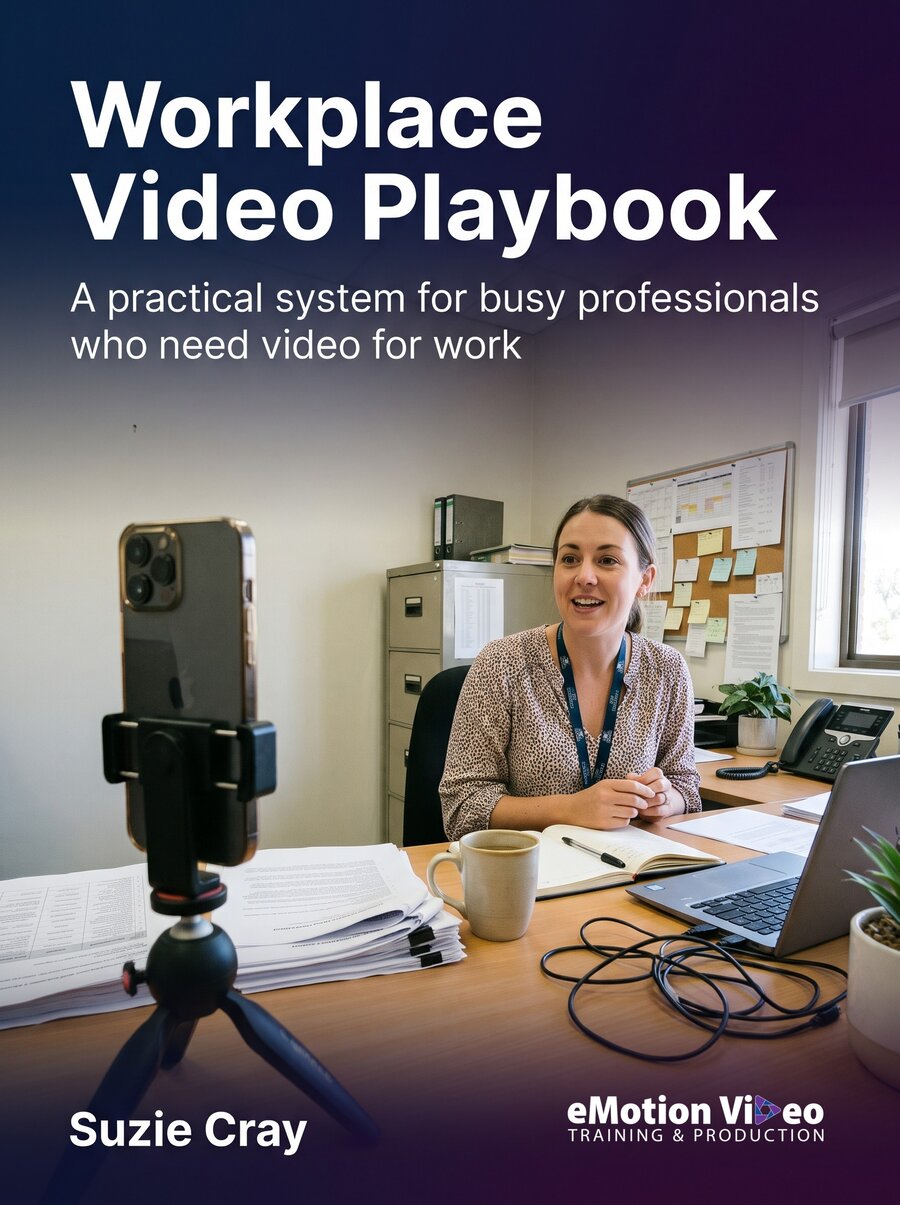
A practical system for busy professionals who need video for work. Decide what it is for, set up, record, edit, publish, and keep it going, on the phone you already own.
15 pages · Seven sections · A4 PDF
Start free
Not ready to buy? Start with the free CapCut Phone Guide.
Our free guide covers filming on your smartphone, editing in CapCut and publishing your video. It is a good way to see how we teach before you spend anything.
Why this Playbook exists
Most workplace video fails for one reason.
The person who made it never decided what it was for.
Almost everyone reaches for the camera first, and the camera matters least. Viewers will forgive a soft picture all day long. They switch off the moment the audio is bad, or your face is lost in shadow.
So the Playbook runs in the order you will actually think about things. What the video is for. Your space. You in front of the camera. The phone. The edit. Where it goes. And how you keep it going once the first one is out the door.
Each section is a decision or a skill you can pick up on its own, so you can start wherever you are stuck.
You do not need to be a presenter. You need to be clearly seen, clearly heard, and clear on what the video is for.The promise on page two

Who wrote it
Broadcast experience, written down for people who just need to get it done.
Suzie Cray is the founder of eMotion Video Training & Production, with 35 years in broadcast media. She has worked for WIN TV, Sky News, MTV Europe and the Seven Network, and trained production teams across Asia, Europe and the Middle East.
Today we train councils, libraries, ranger groups and businesses to make professional video on the devices they already have. The Playbook sets out the way we work, from the first question to the published video, so you can work through it at your own pace.
professional video
What is inside
Seven sections. Read them in order, or dip in.
You may already be confident with some of this. Skip ahead to what is useful.
- 01
Start with the why
The one question that decides everything else, and the six jobs a workplace video can do. Lock the why and the rest is execution.
- 02
Set up your space
Sound and light do most of the work. Where the light goes, the twenty dollar fix, quiet rooms, background and framing.
- 03
In front of the camera
Why you do not have to nail it first time. Eyeline, energy, answering questions, settling the nerves, and a pre-record check.
- 04
Film it on your phone
The four foundations that carry every shot: light, sound, framing and steadiness.
- 05
Edit without the overwhelm
Five steps from clips to finished video: import, trim, caption, music, export.
- 06
Publish where it counts
Make once, post everywhere. Which platform does which job, and why YouTube keeps working long after the feeds move on.
- 07
Keep it going
A plan you will actually stick to, with AI as the unpaid assistant for the work around the video.
A look inside
Clear pages, built to work from.
Diagrams where a picture explains it faster, a checklist to run before you press record, and plain words throughout.
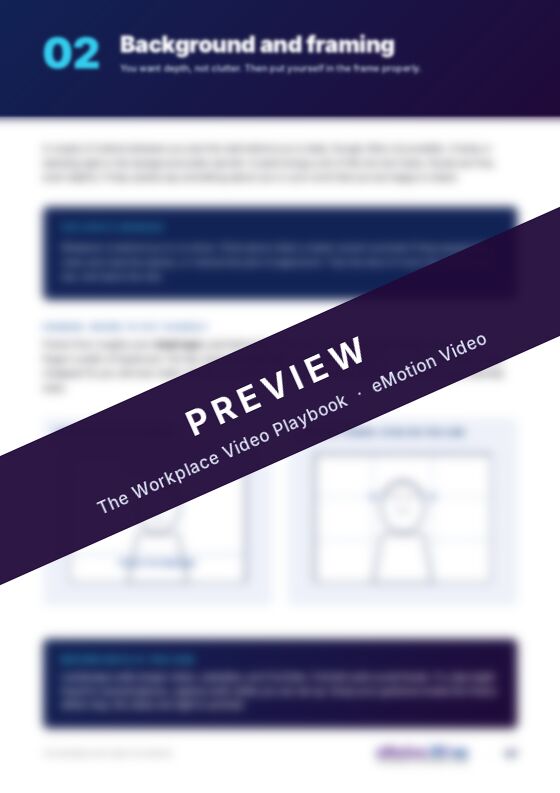
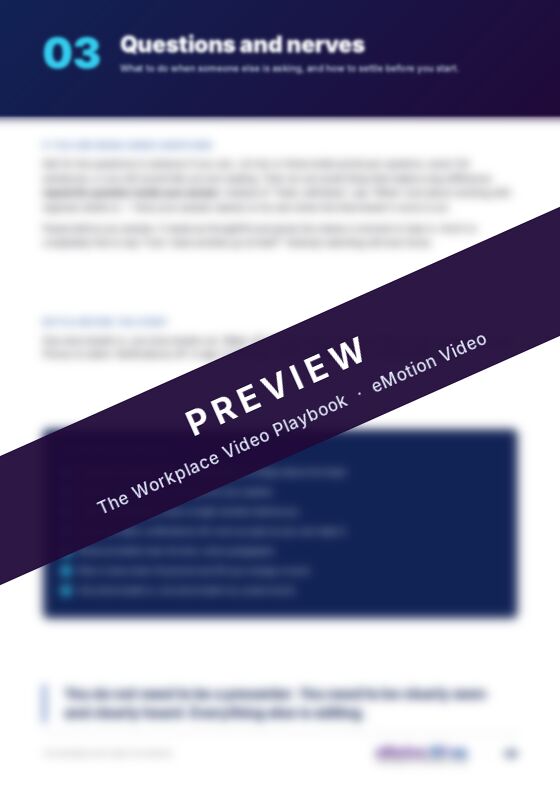
Five of the fifteen pages, blurred for the preview. Get the Playbook to read them in full.
Who it is for
Written for time-poor people who need video to do a job.
Council and government teams, libraries, not-for-profits, ranger groups and small businesses. No crew, no studio, and no technical background needed. If you need video to do any of these six jobs, the Playbook is written for you.
- Win work or bookings
- Serve your community
- Capture knowledge and stories
- Train and onboard staff
- Keep knowledge in-house
- Be found in search
What people say about working and learning with Suzie
"Outstanding. From zero knowledge to confidence to produce a professional, engaging video. First class instruction and incredibly good value."
Alli FieldingOwner, Longevity
"Learning to edit with eMotion Video has helped build confidence, capacity and the ability to share stories of land and culture."
Billie ScottRanger Training Coordinator, Central Land Council NT
"I have no doubt that without Suzie, we wouldn't have such a successful looking on-air product as we do now."
Robert OlneyDirector of News, Seven Network, Melbourne
Get the Playbook
The Workplace Video Playbook
A$79 including GST
- The why sentence that every choice answers to
- The 45 degree light setup, drawn from above
- The pre-record check, start to finish
- The five-step edit, from clips to export
- Which platform does which job
Instant download after paying. 7-day change-of-mind refund. Secure checkout through Stripe. Outside Australia? Checkout can show your own currency.
Questions
Before you buy
Can I buy it from outside Australia?
Yes. The price is A$79 including GST. In more than 150 countries, checkout can show it in your own currency; Stripe adds a small conversion fee of about 2 to 4% to do that. You can choose to pay in Australian dollars instead, and your bank converts it.
What do I get?
A 15-page A4 PDF in seven sections. You download it straight after paying. Your download link works for 7 days and up to 5 downloads, so save the file once it arrives. Read it on screen or print it out and keep it by your desk.
Do I need to buy any gear?
No. The Playbook is written around the phone you already own. Where a small purchase genuinely helps, like a clip-on light or a lapel mic, it says so and explains why.
How is it different from the free CapCut guide?
The free guide gets you filming, editing in CapCut and publishing on your phone. The Playbook starts earlier and goes wider: what the video is for, setting up your space, being yourself on camera, and keeping it going once the first one is out.
I get nervous on camera. Will this help?
Section 03 is written for exactly that. Most people are nervous on camera. It covers eyeline, energy and pace, answering questions, and settling yourself before you press record.
What if it is not right for me?
Email info@emotionvideo.com.au within 7 days of buying and we will refund you in full, no questions asked. Your rights under Australian Consumer Law also apply if the Playbook is faulty or not as described.
Can I get help putting it to work?
Yes. We run hands-on video courses for teams, and mentoring that works on your real videos with you. Not sure which fits? Have a chat.
The Workplace Video Playbook
Ready to make your first one?
The Playbook walks you through all seven sections, starting with the one question that decides everything else.