
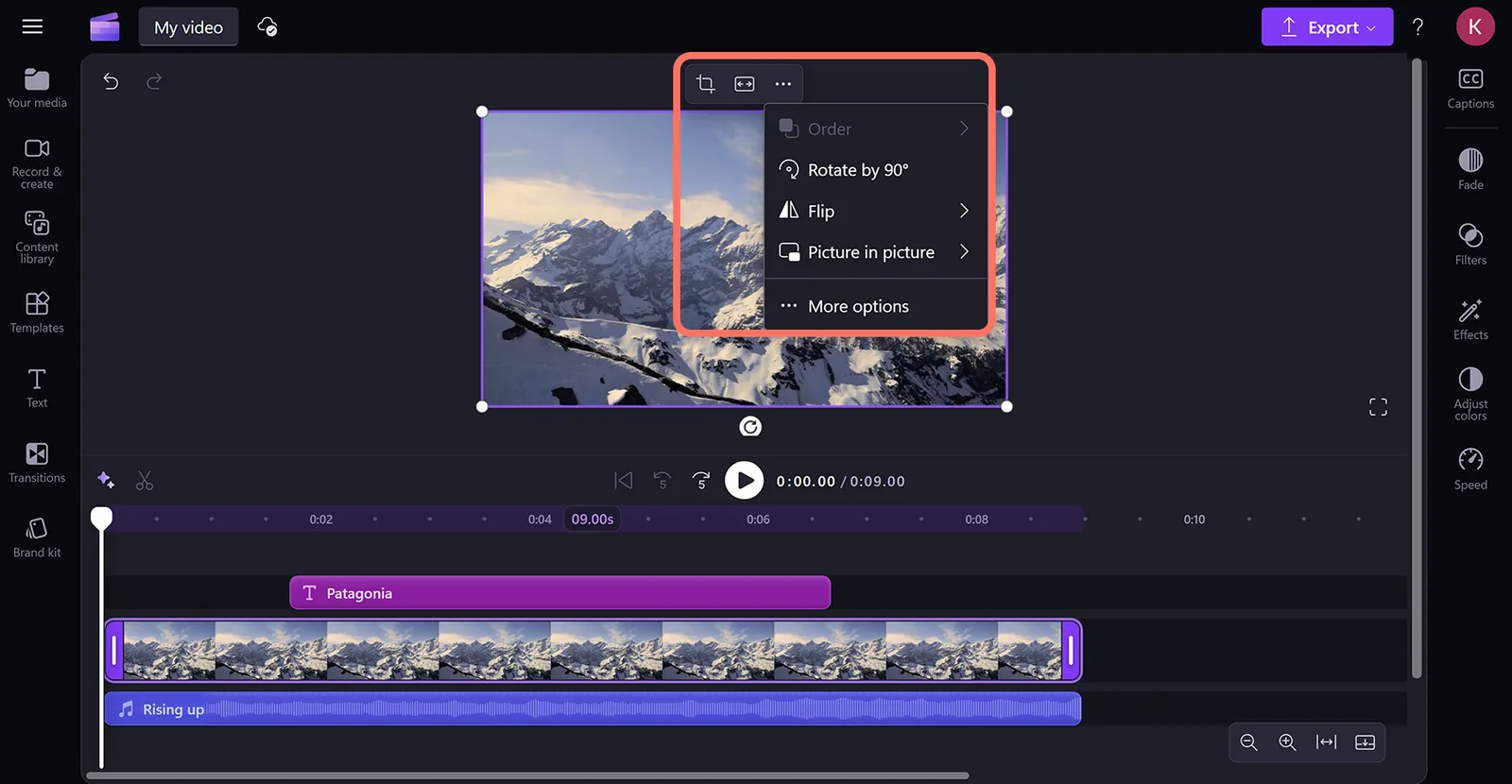
If you have ever opened your Windows laptop, found a video editor already sitting there called Clipchamp, and wondered whether it is any good, this one is for you. Clipchamp is Microsoft's own video editor, and it is one of the friendliest places we know for a nervous beginner to make their very first edit. Here is what it does, whether it is really free, and where it fits alongside the tools we teach.
Is Clipchamp really free?
This is the question we get asked most, so let us answer it plainly. Yes, the basics of Clipchamp are free. You can trim your clips, add text, drop in music and export a finished video without paying a cent. Microsoft builds it into millions of Windows PCs, so for a lot of people it is already installed and quietly waiting to be used. It also runs on Mac and straight from a web browser, so you are not locked out if you are not on a Windows machine.
There is a paid premium tier as well, and that is where the extras live. Premium unlocks a bigger library of stock footage and music, higher-quality exports and brand tools that let you save your colours, fonts and logo so every video looks consistent. For most people finding their feet, though, the free version is more than enough to learn on. You can always upgrade later if you decide you want the extras.
A gentle step up from Movie Maker
If you remember Windows Movie Maker, Clipchamp is its spiritual successor, and a genuine step up. It keeps that same easy-to-learn feel, the sort of tool you can open and mostly work out for yourself, but it does a good deal more. You are not wrestling with a professional editing suite here. You are dragging clips onto a timeline and getting a tidy result, which makes it a genuinely good fit for non-professionals who simply want to get something done.
TechRadar called it "Canva for videos". That is a fair description: it is built for quick, simple projects, not feature films.
We think that comparison lands well. Just as Canva made design approachable for people who are not designers, Clipchamp makes editing approachable for people who have never edited. If your goal is a short promo, a quick how-to, or a tidy little video for social media, it will handle that happily.
Where Clipchamp sits alongside the rest
No single editor is best for everyone, and part of choosing well is knowing where each one sits. Clipchamp lands comfortably in the middle: more capable on a desktop than the mobile-first apps, but far less demanding than the heavyweight programs. Here is how it compares to the tools you have probably heard of.
- Compared with CapCut, which began life as a mobile-first app, Clipchamp feels more robust on a desktop or laptop. It runs on both PC and Mac, so it suits people who prefer editing on a bigger screen.
- Compared with Filmora, Clipchamp is less complex and less intimidating, which is exactly what you want when you are starting out and do not need every advanced feature under the sun.
- Compared with DaVinci Resolve, Clipchamp is not as deep. Resolve is a professional-grade tool with a serious learning curve. Clipchamp is the friendly on-ramp, not the destination.
So who is Clipchamp for?
We think of Clipchamp as a gentle on-ramp. If the idea of editing makes you a little uneasy, this is a lovely place to start. You can make a few simple videos, build some confidence and get a feel for how editing actually works, all without spending anything or facing a wall of buttons you do not yet understand.
In our own editing courses we teach Premiere, CapCut and VN on the desktop, because those are the tools that take you further once you are ready to grow. Clipchamp is not on that list, and that is by design. It is the first small step, not the finish line. Once you have found your feet, you will likely want more control than it can offer, and that is exactly the moment to step up to something with a bit more power.
So if you are brand new and a touch nervous, try it for free at clipchamp.com and have a play. There is no cost and no pressure, and you might surprise yourself with what you can make in an afternoon. When you are ready for the next step, we will be here to help you take it.
Ready to move up from Clipchamp?
Whether you want to move on from Clipchamp to a more capable editor, or you just want a hand choosing your very first tool, we can help you find the right first step. No pressure, just a friendly chat.
Have a chat