

eV Studio
The AI studio for all of it.
What to post, what to film and what goes where, all in one app on your phone, with an AI marketing assistant who knows your brand and the way you talk.
Mandy. Mandy from Marketing.
Mandy is the AI marketing assistant in eV Studio. She drafts every post for the platform it's going on, suggests a picture and a date, and sends it to you to approve.
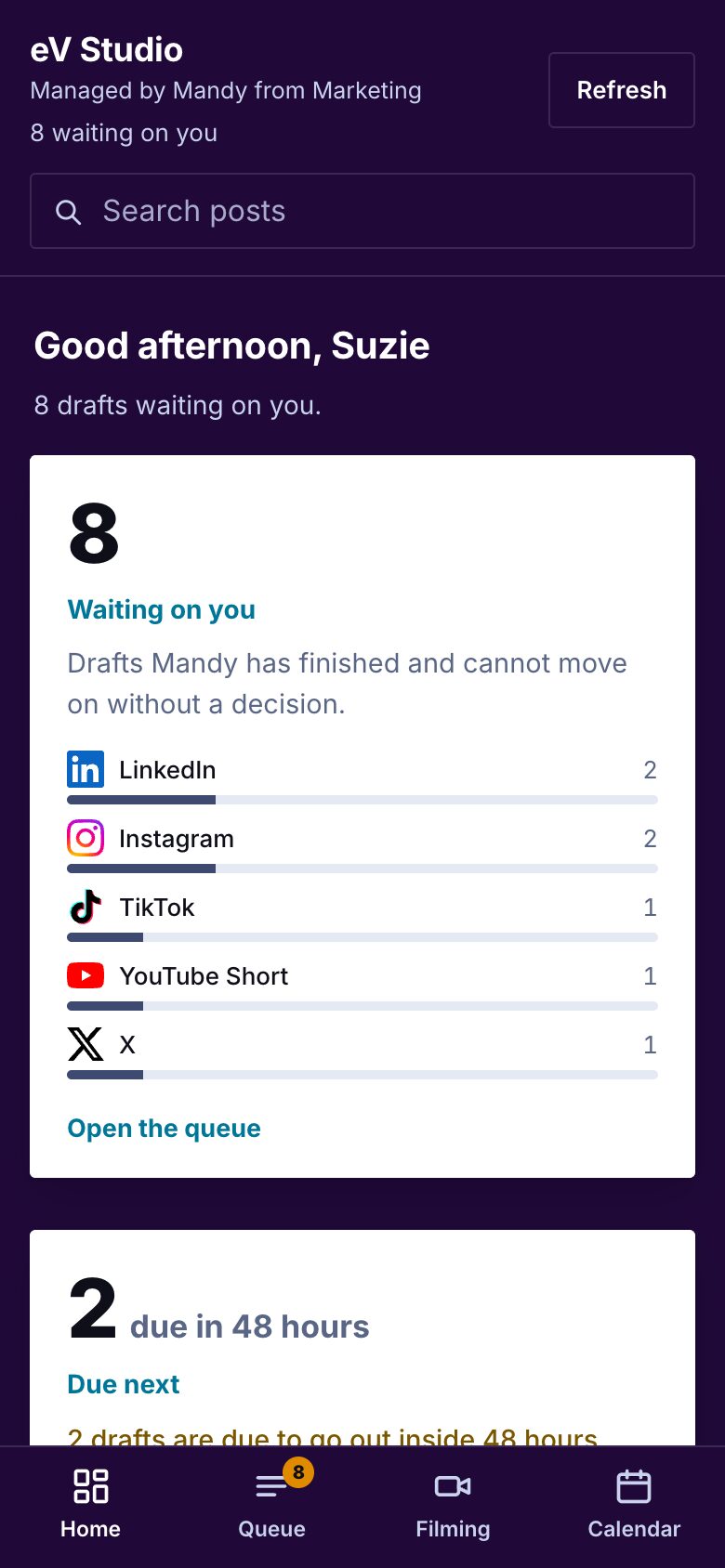
Real eV Studio screens. The posts in them are made-up examples about eMotion Video.
Tap through it
eV Studio is built for your phone. Everything below is a tap or two.
She knows the business
Mandy drafts from what the business has already told her, or brought across from another AI:
- The brand. Its colours, its fonts and the look it wants.
- The voice. How it talks, and the words it would never use.
- The culture. What it stands for and how it wants to be seen.
- The goals. What it's pushing this month, so the posts pull the same way.
When you correct her and it isn't clear, she asks, "Just this post, or from now on?" Say from now on, and she remembers it for every post after.
Every draft, waiting for you
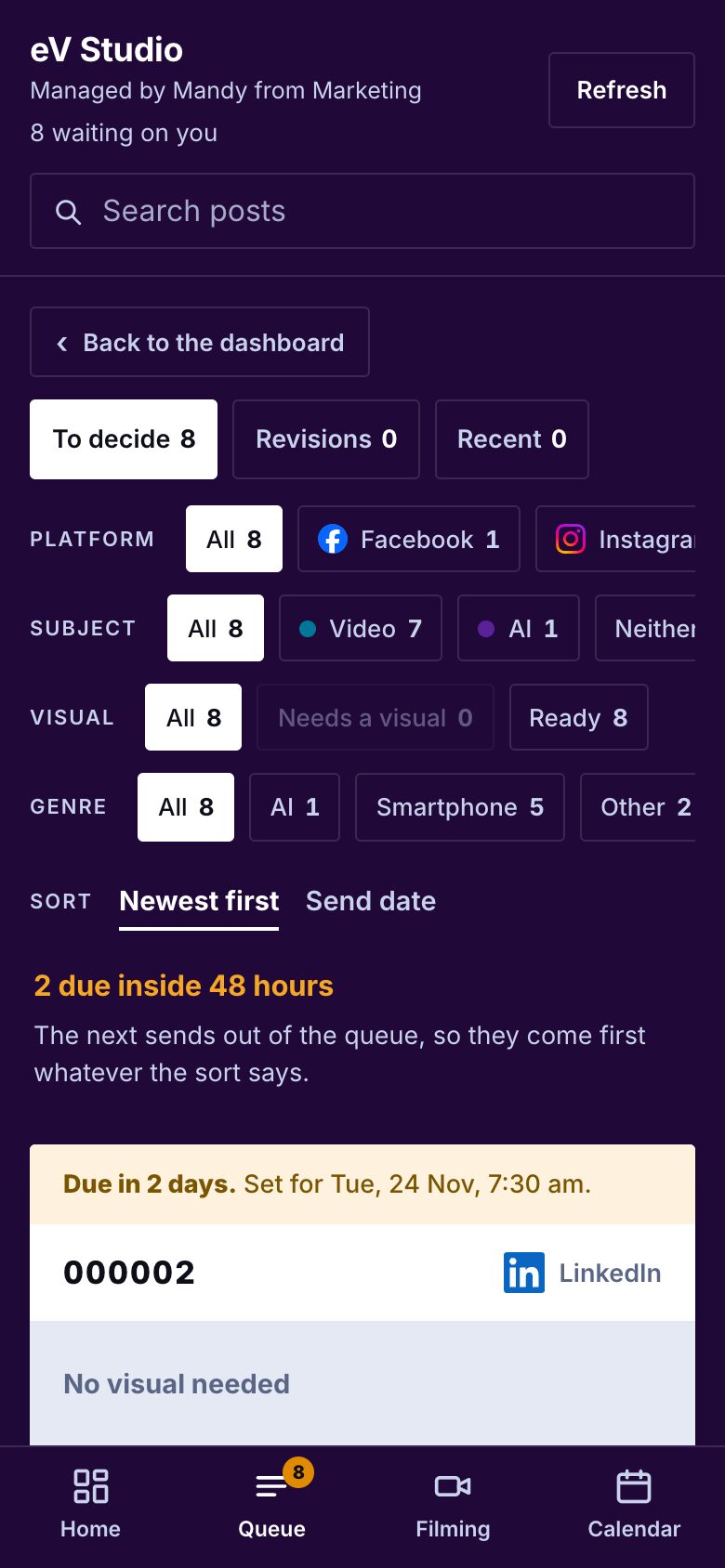
Each draft has its own number and the platform's logo on it, so you can see at a glance what's for Instagram and what's for LinkedIn. Filter by platform, by subject, or by whether it still needs a picture. Anything due in the next 48 hours sits at the top.
Approve, hold or bin it
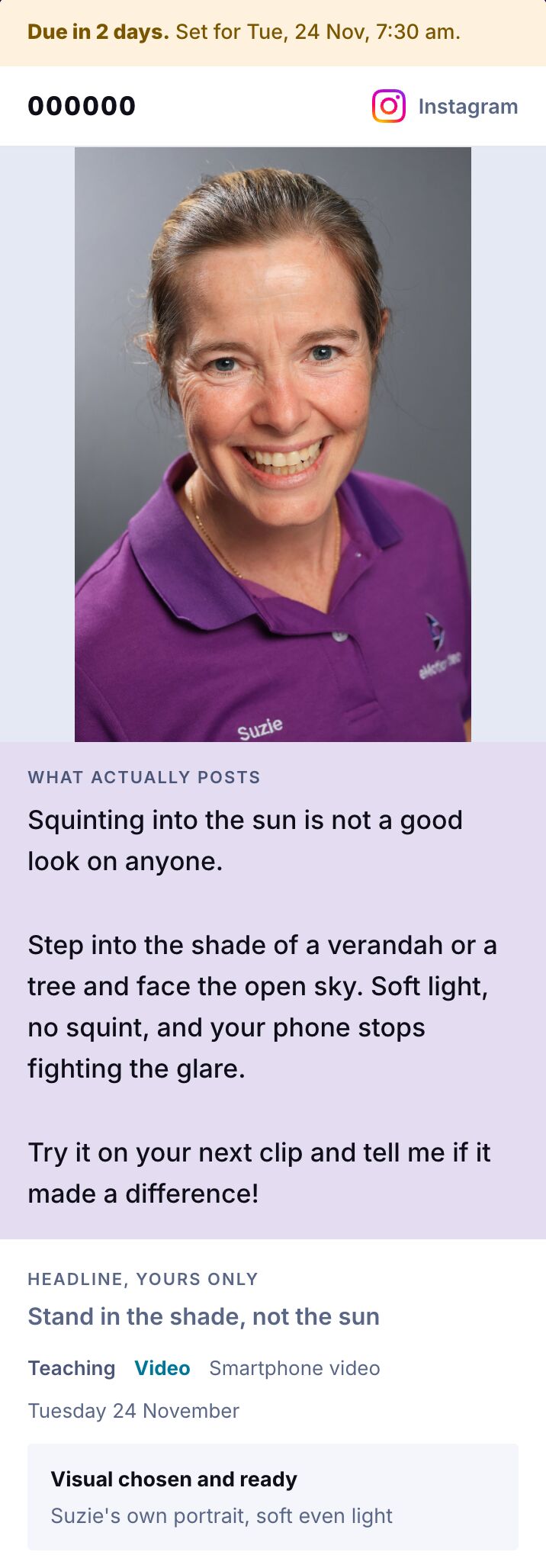
Each card puts what actually posts at the top, big: the picture and the words. Mandy's headline and her reasons sit underneath, quieter, because they never go out.
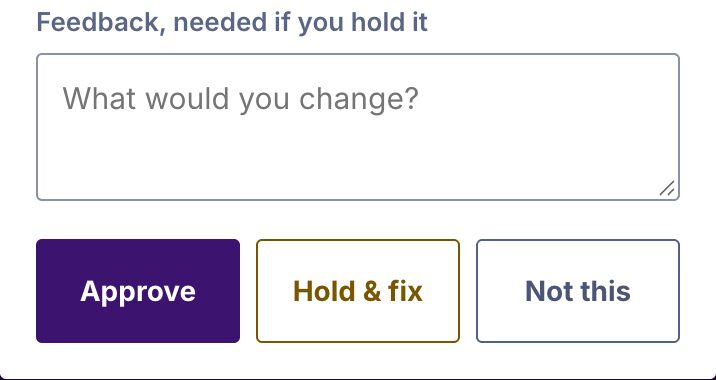
Then tap Approve, Hold & fix or Not this. Hold one and write Mandy a note, and she redrafts it and sends it back.
Got a better photo? Swap Mandy's picture for one of your own, straight from your phone.
Nothing goes out until you approve it, with one choice you can make: Google Business Profile posts can go at their booked time unless you hold them. They still show in eV Studio first.
Know exactly what to film
Some posts need you on camera. The Filming tab is your shot list for a filming day, grouped by where you'll be: at your desk, at the kitchen table, recording your screen, or out on a job. Each setup says roughly how long it takes.
Every shot spells out what to film and which post it's for, and the ones holding up a post are flagged so they get done first. The notes tell you what makes each shot work, and point out when something you've already filmed will do.
See it all on one calendar
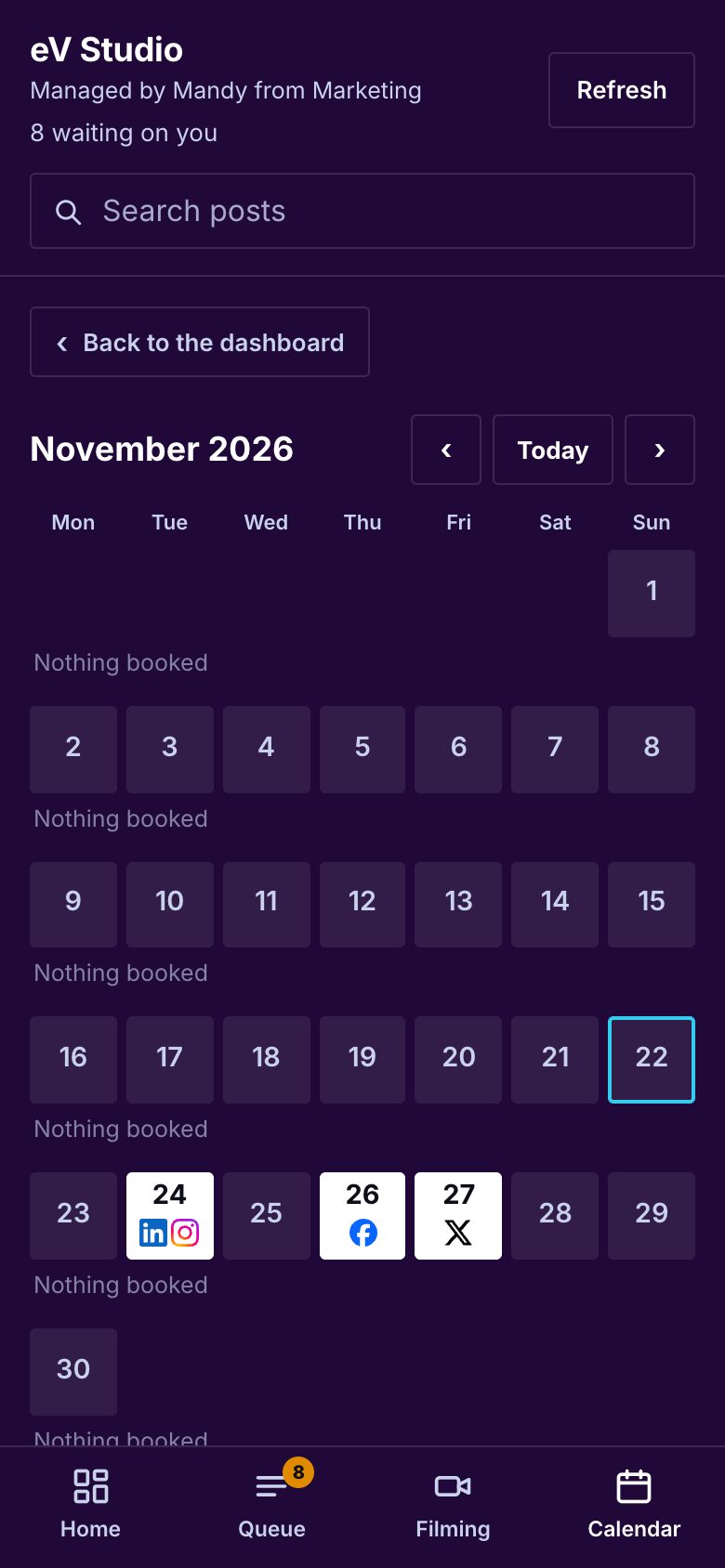
Every post sits on its day with its platform's logo. Under each week, eV Studio counts what's booked, so you can see when it's getting too salesy.
For a post you put up yourself, eV Studio does the fiddly part: it copies the caption, gets the clip ready and opens your phone's share sheet, so you pick the app and post.
Who it's for
eV Studio is for professionals aged 40+ who know they should be posting more and engaging their customers on TikTok, but find it hard to know what kind of content will reach the right people, and harder still to work out how all the apps work to make that happen.